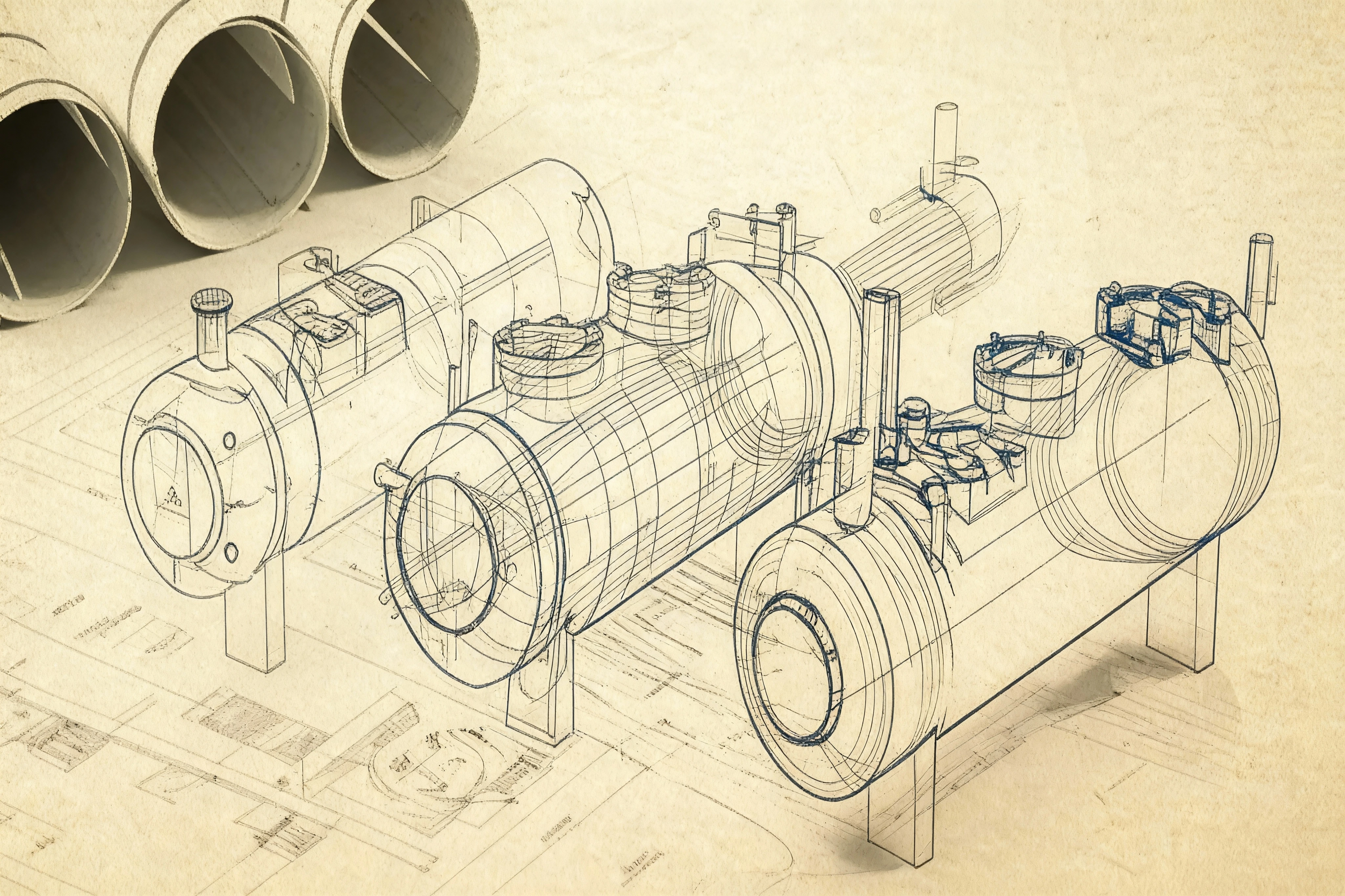
The ASME PVDE (Pressure Vessel Design Environment) is a specialized engineering automation tool developed by Ryan Goh. The design was inspired by industry-standard tools like PVElite and architected using the component-based workflows of CodeCalc.
By integrating ASME Section VIII Division 1 and PED requirements directly into a custom Excel VBA architecture, the tool provides a high-performance alternative for rapid engineering analysis.
Deep Dive: I have written extensively about the Development Background and the Technical Feature Set of this software.
A key differentiator of the ASME-PVDE is its ability to handle the evolution of engineering standards:
- Multi-Edition Support: The software supports ASME Section VIII Div 1 editions from 2019 to 2023.
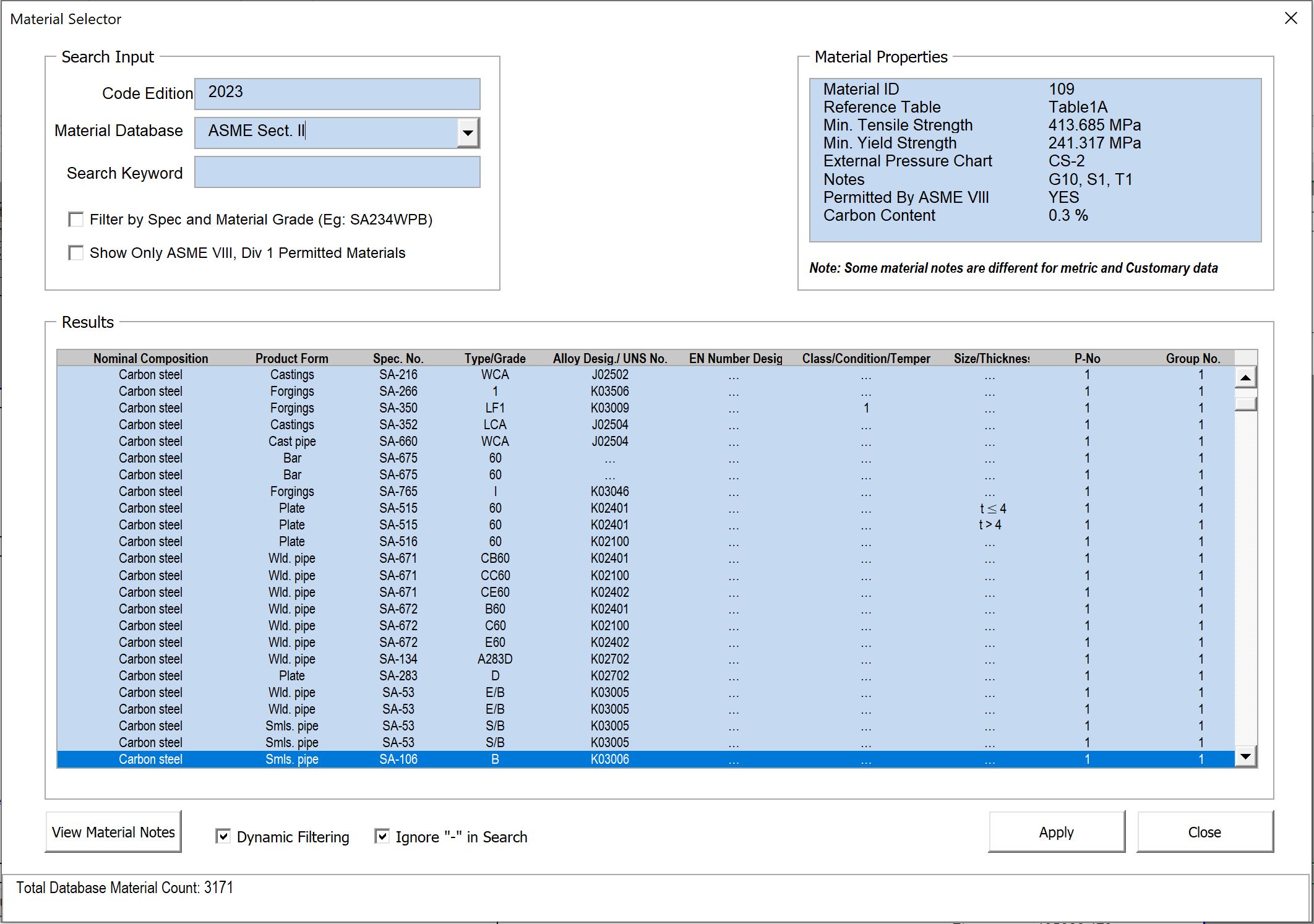
- Dynamic Filtering: Depending on the selected code year, the software automatically filters material properties and calculation options. This ensures that users only apply materials and design methods that were valid for that specific code edition.
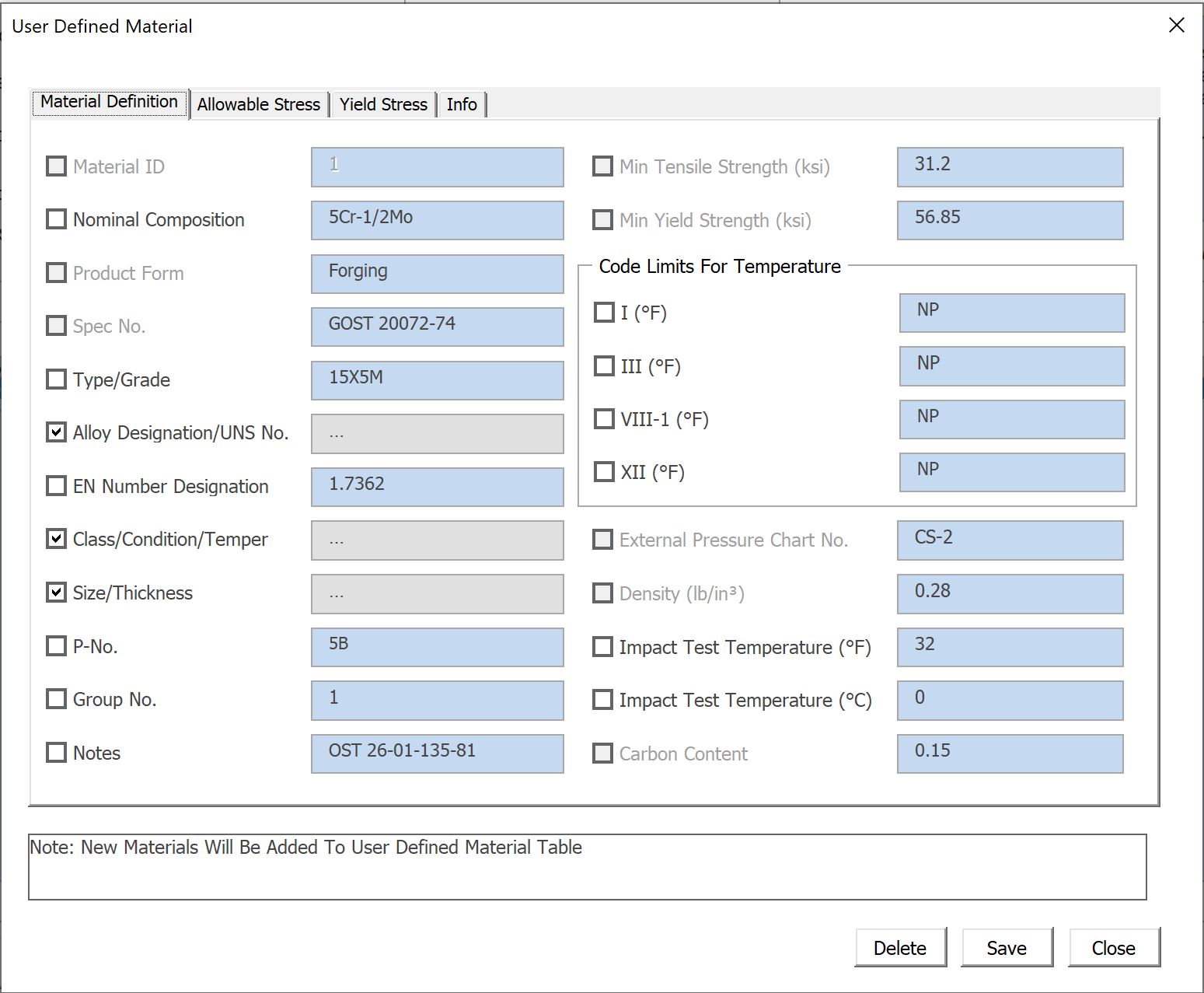
- 3,000+ Material Database: All modules link to a centralized database, allowing users to select properties instantly without manually opening the ASME Sect. II Part D code book.
- Built-in PED Classification: Users can determine PED (2014/68/EU) categories simultaneously while performing design calculations, ensuring global regulatory compliance.
Advanced Software Architecture
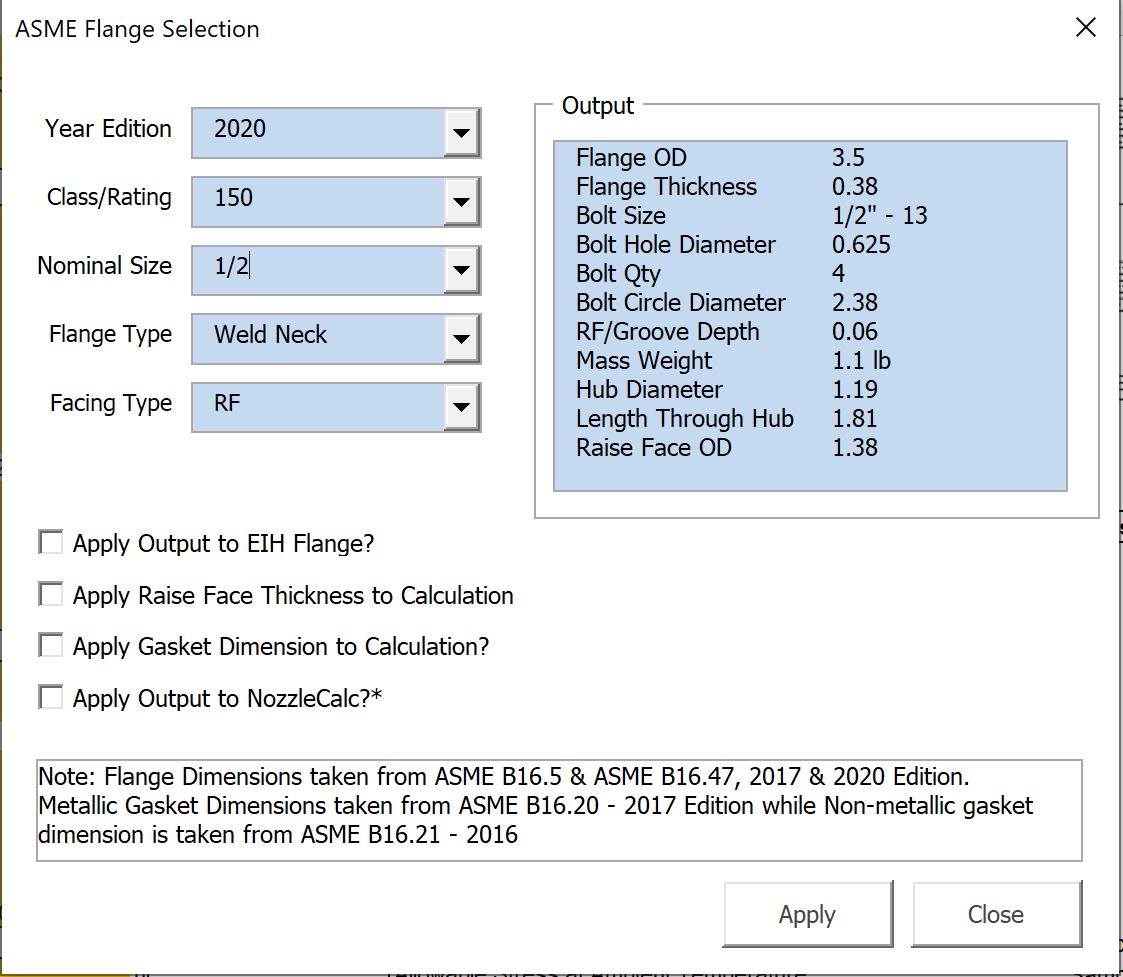
- Context-Aware Fluent Ribbon: The UI dynamically enables or disables tabs (Flange, Piping, Gasket) based on the active module, reducing interface clutter and guiding the user through the design process.
- Automated Compliance Pathing: The logic engine determines Impact Test and Post-Weld Heat Treatment (PWHT) requirements automatically based on material selection and thickness.
- Multi-Unit Engine: Built-in support for SI, Metric, and Imperial units allows for seamless setup across international projects.
Further Reading
To learn more about how this project was built and its full range of capabilities, please visit the following articles:
1. Development Background: The “Why”
An insight into the challenges of manual engineering design and the motivation behind building a custom VBA-driven automation suite.
2. Technical Feature Overview: The “How”
A closer look at the UI design, the Power Query integration, and the logic used to handle complex ASME calculations.
Impact and Efficiency
- Streamlined Workflow: Contextual UI ensures only relevant tools are visible, reducing interface clutter.
- Regulatory Compliance: Simplifies the complex process of PED classification alongside ASME design.
- Design Speed: Reduces total design and checking time by up to 80% through deep automation.
View the Source Code: GitHub Repository